
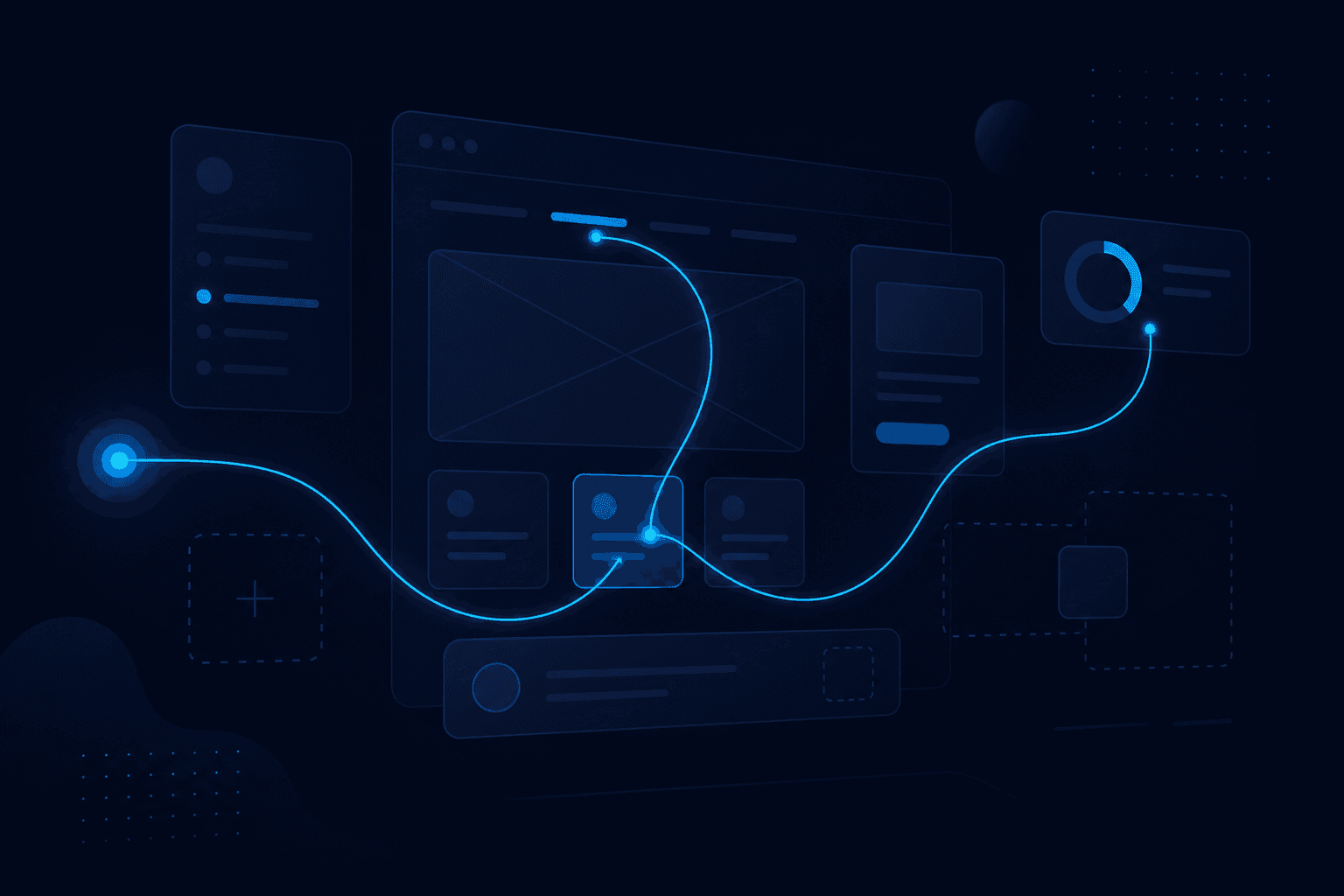
UI and UX show up in almost every digital product brief — and they are often mixed up. In short: UI (User Interface) is what you see and tap (buttons, colors, layout). UX (User Experience) is the whole experience: how easily you reach your goal, how little friction you feel, whether you trust the system. At UNICORE, UI/UX design means both — beautiful and useful.
The building analogy. UI is the finish: paint, handles, lighting. UX is how you move through the building: do you find reception easily? Are stairs in the right place? Do you hit wrong doors? You can have a gorgeous lobby (good UI) and still get lost (weak UX). Or a visually simple space that is incredibly clear as a path.
Concrete examples. A form with 20 fields on a small screen = hard UX, even if it “looks nice.” Checkout with 3 clear steps and plain-language errors = good UX. A green button that looks like “Continue” but deletes data = misleading UI and disastrous UX. Good design cuts mistakes, time, and support tickets.
What a UI designer does. They choose typography, spacing, components (buttons, tables, alerts), states (hover, disabled, loading), and visual consistency across the product. A good design system means “Save” looks and behaves the same everywhere — less chaos for users and developers.
What a UX (or product) designer does. They understand who the user is, what they want to do, where they get stuck. They map flows, test prototypes, simplify steps, write clear microcopy (“Password must be 8 characters” beats “Error 422”). Good UX is measured: time to complete a task, drop-off rate, satisfaction.
Why it matters for business. Weak interfaces cost: customers abandoning carts, employees avoiding the internal app, long training, expensive errors. Good UI/UX lifts conversion, adoption, and trust — especially on web & enterprise apps, where flows are complex. It is not “look nice for the pitch”; it is operational efficiency.
UI without UX (and the reverse). You can have a modern look and a confusing flow. Or a logical flow with a dated look — still useful, but hard to “sell” internally. The goal is balance: clarity + consistency + aesthetics that fit the brand. Accessibility (contrast, type, keyboard navigation) is part of UX, not a bonus.
Conclusion. UI = how the interface looks and behaves. UX = how the whole journey to the result feels. Together they decide whether people use the product or avoid it. If you want a clear product for customers or internal teams, let’s talk — we start from real flows, not random colors.