
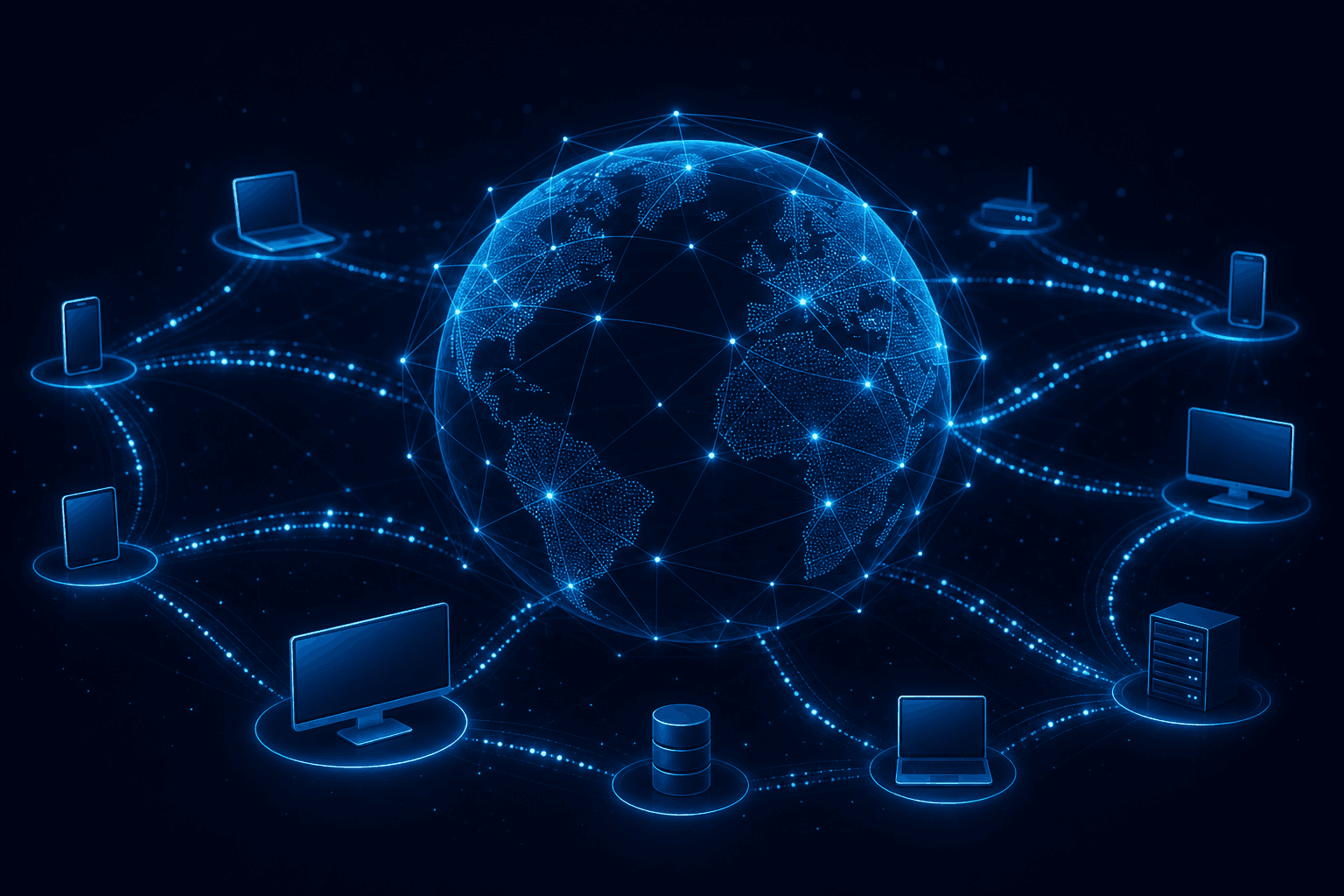
When you tap a link, it feels like magic: in a second a page, a video, or an email appears. In reality, the internet is a huge network of computers exchanging small messages under shared rules. You do not need to be an engineer to get the idea — just follow one request from your phone to a server and back. At UNICORE we build systems that live on this network — from web apps to cloud infrastructure.
1. The internet is not “a place” — it is a network of networks. Your home, office, mobile carrier, a data center in Frankfurt — all are local networks linked by cables, fiber, antennas. Your internet provider (ISP) is your gateway to the rest of the world. Analogy: not one highway, but thousands of roads meeting at junctions.
2. Your device asks; the server answers. When you open unicore.ro, your phone or laptop sends a request: “I want this page.” A server (a specialized computer, often in the cloud) receives it and sends back files: text, images, code. You see the page; behind it is a client–server dialogue.
3. Information travels in “packets.” Data does not leave as one giant blob. It is cut into small pieces (packets), each with a destination address. They may take different routes and reassemble on arrival. That is why a connection can slow down or stutter — some packets hit congestion or get lost and must be resent.
4. IP addresses and easy-to-remember names (DNS). Every device on the internet has (or gets) a numeric address — an IP, like 93.184.216.34. People prefer names: google.com, unicore.ro. DNS is the internet’s “phone book”: it translates the name into an IP so packets know where to go.
5. Wi‑Fi, cable, 4G/5G — just the “last meter.” Home Wi‑Fi links your phone to the router; the router talks to the ISP. 4G/5G does the same via antenna. Beyond that, data still rides big fiber networks. Weak signal at home ≠ “the internet is broken worldwide” — often it is only the local link.
6. HTTPS: the padlock on the site. When you see the padlock in the browser, the connection is encrypted (HTTPS). On the way, it is much harder for someone to read passwords or data you send. It does not guarantee the site is morally “trustworthy” — it protects the transport. Internet security is broader; for organizations, cybersecurity of their own systems matters too.
7. The cloud: servers you do not see but use. Many sites and apps do not sit on an office PC — they live in data centers, the “cloud.” You only feel speed and availability. For companies, cloud means scale and pay-for-what-you-use costs, with sound architecture and FinOps.
8. Why it is sometimes slow or “down.” Common causes: weak Wi‑Fi, ISP congestion, overloaded server, slow DNS, a cut cable on a route, or a poorly optimized site. “The internet” is a chain — the weakest link fails. That is why diagnosis starts local (router, cable), then outward.
Conclusion, in plain language. The internet = connected networks + computers that request and respond + packets on the road + names translated to addresses (DNS) +, ideally, protected connections (HTTPS). The magic on screen is coordinated engineering at planetary scale. If you want systems that use this network well — sites, APIs, cloud — contact us.